Mobile app development: what remains after AI writes the code
Analytics, version control, feature flags, updates without a store release and platform deadlines: what decides whether your app survives.
by Radu Cîmpian
Founder of Digital U, developer
Contents10 sections
The short answer: AI made writing code cheap, but it touched none of what makes a mobile app work as a product. Your app runs on other people’s phones, in versions you do not control, inside stores that change their rules every year. Google Play set 31 August 2026 as the deadline for apps that do not target Android 16, and since 28 April 2026 Apple requires every upload to be built with Xcode 26. None of those problems is solved by writing more code, faster.
This article is about the five things that stay the same whether a line of code was typed by a person or generated. If you are choosing a mobile app development partner, these are the things worth asking about, because almost nobody covers them in a quote.
And you can start by asking us. Digital U builds mobile apps from $5,000 (pricing page), with all five of these in the scope rather than sold back to you later. Put the five questions to us in a free 30-minute call and compare the answers with whoever else is quoting you.
Why “it works on my phone” stops meaning anything after launch
You fix a website and you are done: everyone sees the new version on the next refresh. A mobile app does not work that way. Every user has a version installed, updates whenever they feel like it or never, and between you and their phone sit two stores with rules of their own.
That changes the problem list entirely. It is no longer “how long does it take to build”, it is “what do we do on the day something breaks and half our users are on a version from four months ago”. We covered the budget side in how much a mobile app costs in 2026. This piece is about what you are actually buying when you buy mobile app development.
1. Knowing what people actually do in the app
Without measurement, every product decision is a guess, and guesses get paid for in features nobody uses. Two different tools, both necessary: one that shows you behaviour (which screens, which steps, where they drop off) and one that shows you production errors, with the device, OS version and app version attached.
The combination we use and recommend is PostHog plus Sentry, because they answer different questions. Sentry tells you a feature is crashing. PostHog tells you how many people touch it at all. Together they tell you whether it is worth fixing today or next week, which neither can tell you alone.
The part that gets overlooked: test data has no business sitting in the same analytics project as real data. If your development and production environments share a key, the reports look great and are false, and decisions made on them cost real money.
2. Controlling which version people are running
The question that shows up in every mobile product sooner or later: why are people reporting a bug we fixed last month? Because they did not update their app.
The mechanism that solves this is called force update, and the idea is simple: you keep two numbers somewhere outside the app (the minimum supported version and the current one), and the app checks them on launch. Below the minimum, you block access and require the update. Above the minimum but below current, you show an optional banner.
What matters is not treating every update the same. Mandatory for security issues, breaking backend changes, data migrations and legal requirements. Optional for interface improvements and fixes that do not hurt. And the right time to build the mechanism is at the start, not once you already have thousands of people stuck on a broken version: the technical part is small, but it cannot be added retroactively to versions already installed.
Already have an app in the stores and no idea which versions people are on? Let us look together in a free 30-minute call or drop us two lines. We will tell you what is missing from what you have, even if we never work together.
3. Changing what people see without going through the store
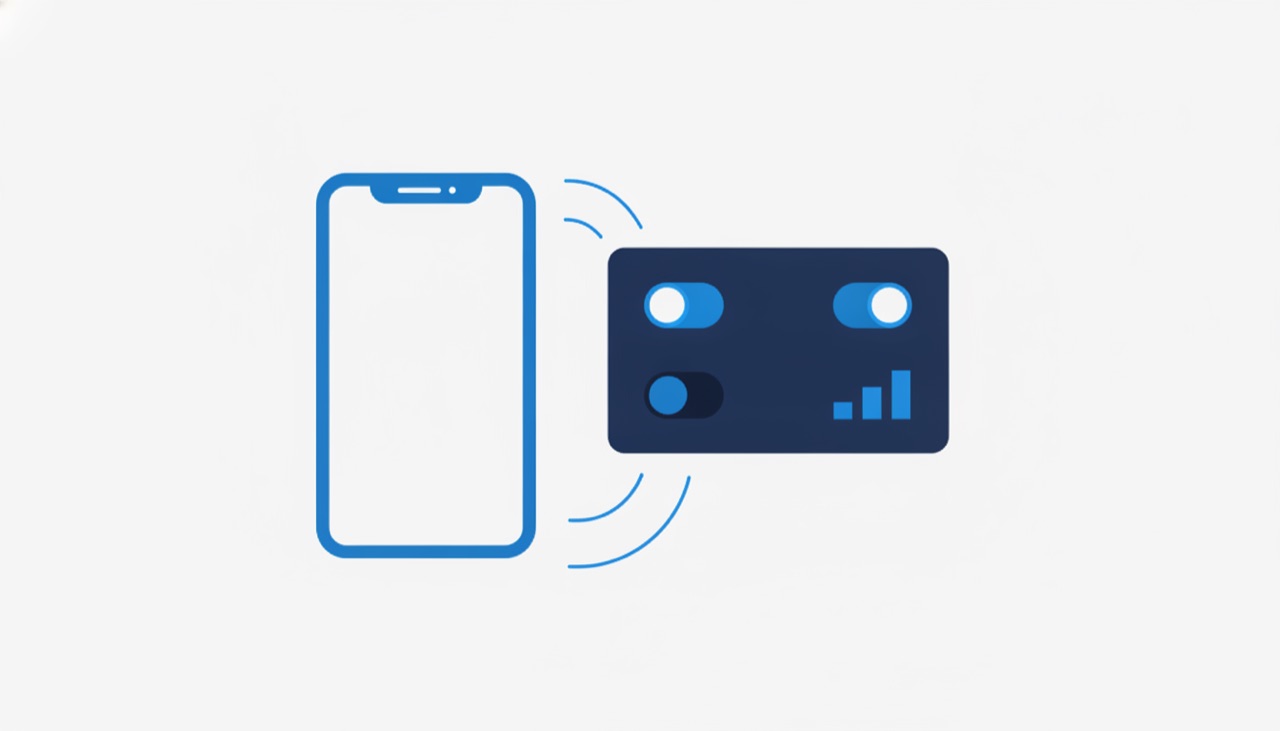
This is the part most app owners discover late: a good share of what the user sees does not have to live in the code. It can be controlled from outside, in real time.
Firebase Remote Config, as a publicly documented example, lets you change your app’s behaviour and appearance without users downloading a new version. The official documentation describes both gradual delivery to a percentage of users and targeting by segment, including app version, language or audience.
What that buys you concretely:
- Turn a new feature on for 5% of users and turn it off in five minutes if it breaks something, without waiting for a new store release.
- Show a maintenance banner while your backend is being worked on, instead of letting the app throw errors.
- Hide a feature that is no longer valid, with no release.
- Keep copy and content in a CMS, so an offer or a description can change without a developer.
A switch that kills a broken feature in five minutes is worth more, on the day you need it, than the feature itself.
4. Being able to fix something critical the same day
Over-the-air updates solve the “I have a critical bug in production and I have to wait for store review” problem. With EAS Update, the Expo documentation is explicit about what is and is not covered: you can update the non-native part of the app, meaning JavaScript, styling and images, without a new store release.
And, just as important, what you cannot update that way: native code or native dependencies, app permissions (camera, location), the Expo SDK version, so anything that needs a new binary. The documentation adds something people skip over: updates still have to follow App Store and Play Store guidelines, including on content, and changes to your app’s behaviour usually need to be reviewed.
Translated into business terms: OTA is your safety net for urgent fixes and content tweaks, not a back door around the stores. Anyone selling it to you as the second thing is selling you a future problem.
5. Keeping up with store rules, year after year
This is the part that surprises app owners most, because it is a cost that appears even when you change nothing in the product.
Google Play requires, from 31 August 2026, that new apps and updates target Android 16 (API level 36) or higher. Existing apps must target at least Android 15 (API level 35) to stay available to new users on devices running Android versions above the app’s target. Anyone needing more time can request an extension to 1 November 2026.
Apple requires, since 28 April 2026, that apps uploaded to App Store Connect be built with Xcode 26 or later, using an SDK for iOS 26.
In practice that means an app that “works fine and needs nothing” still needs at least one round of work per year, done by someone tracking these deadlines. That is not optional maintenance, it is the condition for staying in the store.
6. Having somewhere for people to go when something breaks
The last thing AI does not write: the path between an unhappy user and you. If their only option is a one-star review, that is where they will go, and reviews stay public long after you fix the problem.
An in-app support channel, wired to the same data you collect in point 1, turns a bad review into a ticket you can resolve. And when the ticket arrives with the app version and what the person did before getting stuck, you resolve it in minutes, not in days of reproducing the bug blind.
What this means when you ask for a quote
Almost every mobile app development quote describes what gets built. Very few describe what happens afterwards. Five questions that separate two quotes that look identical:
| The question | Why it matters |
|---|---|
| 1. What gets measured, and where do I see it? | Without analytics and crash reporting, post-launch decisions are guesses. |
| 2. Is there a force update mechanism? | Otherwise you end up with users stuck on versions with bugs you already fixed. |
| 3. Can I turn a feature off without a new release? | A remote switch is the difference between five minutes and two weeks. |
| 4. What can be fixed without going through the store? | The correct answer is “JS, styling, content”, not “anything”. |
| 5. Who tracks the Google and Apple deadlines? | They are annual and mandatory. If nobody tracks them, you find out when the app disappears. |
If the answer to any of them is “we will see after launch”, you have learned that launch is treated as the end of the project. For a mobile product, launch is the day the interesting problems start.
So AI does not help at all?
It does, a great deal. It writes code faster, it helps with tests, documentation and boring refactors. What genuinely changed is that the distance from idea to a working screen got dramatically shorter.
What did not change is what comes after the working screen: somebody has to decide what gets measured, what ships and to whom, what gets fixed today and what can wait, and who answers when something falls over at 9am. Those are product and process decisions, and they stay the same regardless of who did the typing.
The practical upshot: if you evaluate a quote only on how fast the code gets written, you are comparing the part that got cheap. The difference between an app that lives and one that dies in six months sits in the rest.
Frequently asked questions
Can AI write a complete mobile app? It can generate a significant share of the code, but a mobile app as a product needs things that are not code: analytics and crash reporting configured, a force update mechanism, feature flags to control what is shown, a support channel, and compliance with the annual deadlines set by Google Play and Apple.
What does mobile app maintenance actually mean? Mainly platform-mandated updates (Google Play requires Android 16, API level 36, for new apps and updates from 31 August 2026, and Apple requires Xcode 26 for any upload since 28 April 2026), bug fixes, dependency updates and monitoring production errors. It applies even if you change nothing in the product.
Can you update an app without going through the App Store? Partly, yes. Per the EAS Update documentation, you can update the non-native part over the air: JavaScript, styling and images. You cannot update native code, native dependencies, app permissions or the SDK version that way, and updates still have to follow store guidelines.
What are feature flags and why do they matter for your business? They are switches that turn features on or off from outside the app, with no new store release. Firebase Remote Config lets you change app behaviour and appearance without users downloading an update, including gradual rollout to a percentage of users and targeting by version or segment. In practice, you can kill a broken feature in minutes.
What is a force update and when is it justified? It is the mechanism where the app checks the minimum supported version on launch and blocks access if the user is below it. It is justified for security issues, breaking backend changes, data migrations and legal requirements. For interface improvements and minor fixes you use an optional banner, not a block.
Why does an app need updating even when it works fine? Because the stores impose annual deadlines. Google Play requires existing apps to target at least Android 15 (API level 35) to stay available to new users on newer devices, with an extension possible to 1 November 2026, and Apple requires builds with Xcode 26 since 28 April 2026.
How much does it cost to put an app on the Play Store? $25, a one-off developer account registration fee, per Google’s official page. Apple charges $99 per year through the Apple Developer Program. We detailed all launch and annual costs in how much a mobile app costs in 2026.
How much does mobile app development cost? Published Romanian offers run from a few thousand dollars for a simple app to over $110,000 for complex platforms, with annual maintenance frequently quoted as a percentage of the development cost. The full ranges, with sources, are in how much a mobile app costs in 2026.
Have an app in the stores, or about to start one? Drop us two lines or book a 30-minute call: we go through the five questions above for your product and tell you honestly what is missing. If you also have a website, you can ask for a free audit instead.
Want the same result for your business?
We send a free audit within 48h: 5 things to fix and 3 growth opportunities. Or jump straight into a 30-minute call, no strings attached.